Posts

Showing posts with the label Ball

Web Design Final

Image
   We started by watching several video tutorials with specific instructions. Each video becoming more complex as the website reached its completion. The web project overall took about a full week to complete.I used all the available class time but had to start over two or three times and, in order to finish the website I had to stay after school. Normally the most challenging part was correcting and adding in the code as well as making sure the code was correct.     Along the way I learned what makes a website function the way it does and a how Adobe dreamweaver works. I also learned one of possibly several programs that can be used to make a website. I didn't like how the website turned out. In the end it looked sloppy and plain. I wish we had more time to make the website look more creative. The creation of the website and the final product was easier and looked better than the house made in Sketchup.

Smiley Bouncing Ball

Image
The Process To begin with we started the  animation by watching a Pixar short. We took notes in class, observing squash and stretch in the tires and in Mike's expression and body. Next we began to add in multiple layers applying the grass and sky layer to each ball layer as well as a black background and text layer. We were then released and allowed to design our own expressions on the ball faces. I added three expressions instead of two. I made one face happy,one face in pain and the last face was surprised. For the finish at the end of the animation I ended a black hole for the ball to fall the ball to bounce into.  What I learned I learned how to use the paint brush tool to change mistakes I've made on layers and objects. I also discovered how I can combine text layers with normal layers. When I make a mistake on the timeline I discovered it was much easier to erase multiple slides than rearranging the order of my layers. What I plan to do next time  Next time...

Bouncing ball GIF

Image
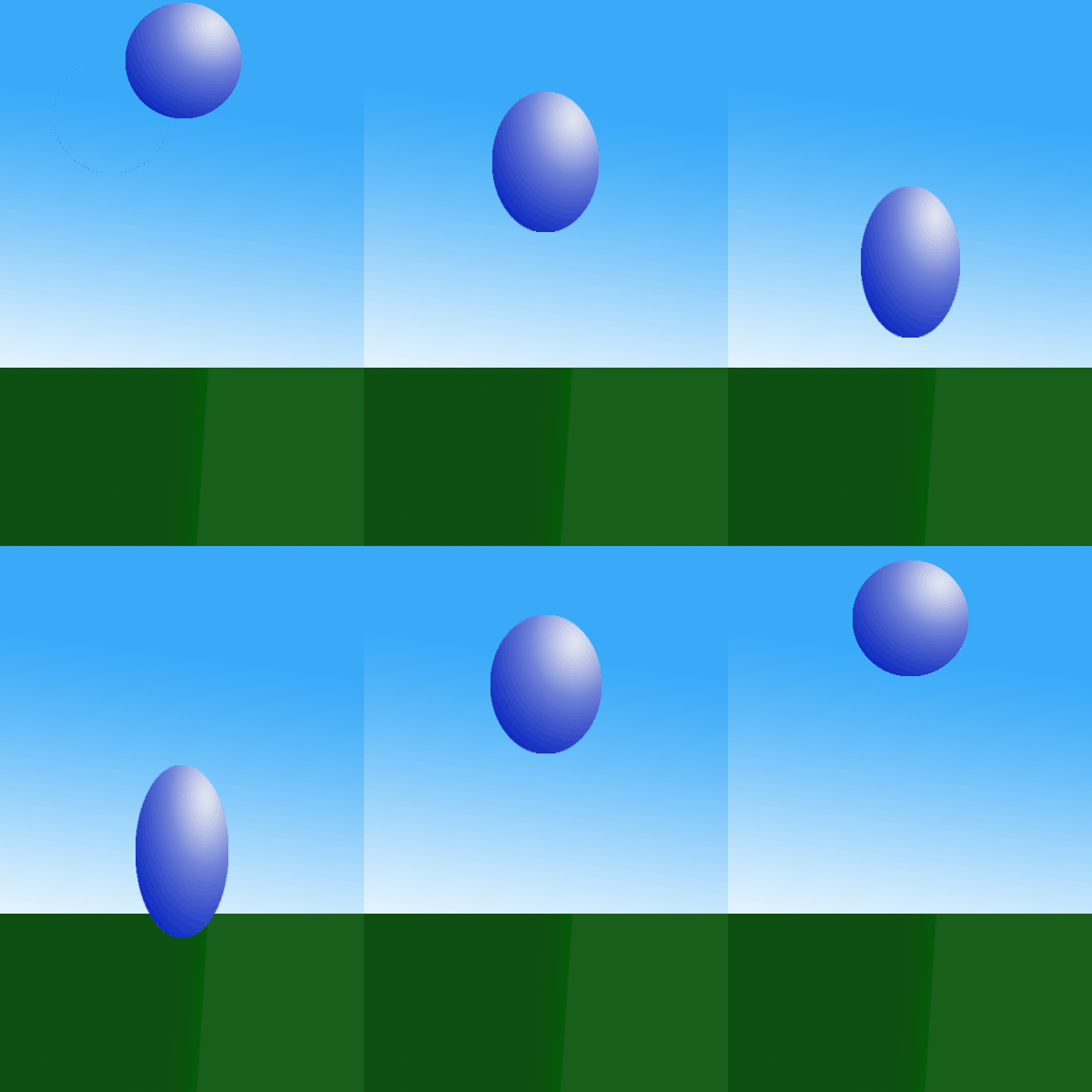
The Process First we learned about the first of twelve principals of animation, squash and stretch. Next we learned more about Photoshop .5 discovering different features including the timeline and different mac key shortcuts including shift+option+X which would be used to repeatedly undo mistakes or the shift and right mouse click used to select frames and objects in layers. Afterwords we experimented with colors and granite's with the sky, ground and ball. Next we made several of the same frame ball frame. we changed the ball positions and applied squash and stretch. We finished the animation by moving the frames into a time line and changed the number of frames until we were satisfied with the final product. What I Learned In animation we began learning about and applying the twelve principals of animation. The first principal of animation was squash and stretch. We learned squash and stretch is used to emphasize an objects speed, momentum, weight and mass. The more squa...